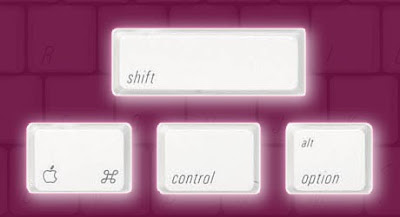
PRESS THE WINDOWS + R KEYS, THE RUN MENU WILL OPEN
1. TYPE MSCONFIG AND PRESS
ENTER,CLICK ON THE START UP
TAB
= REMOVE ALL THE UNWANTED PROGRAMMS AT START UP.YOUR PC WILL START
FAST THE NEXT TIME !!!
2. TYPE DESK.CPL AND PRESS ENTER
= PC DISPLAY PROPERTIES
3. TYPE APPWIZ.CPL AND PRESS ENTER
= ADD OR REMOVE PROGRAMS
4. TYPE EVENTVWR.MSC AND PRESS ENTER
= LOG OF UR PC,WHO USED UR PC IN UR ABSENCE,WAT DID HE/SHE DO ?


